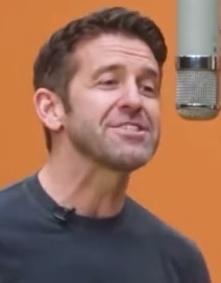
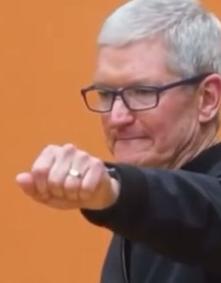
Silicon Valley Rap Cypher
Migos AI Studio
Put a recorded rap in front of the camera. Upload two portraits or select two people from a group photo, then choose the voice, roles, and scene for your performance video.
Reference Example by Migos AI Duo
About this AI Rapper workflow
AI Rapper is for the moment when the bars already exist but the video still needs a performer. Bring two portraits, a recording or reference, and a short direction into the studio to shape a face-forward take.
The name describes the visual workflow, not an automatic lyric writer. Record the voice you want to hear, choose the passage that carries the idea, and let the project keep the delivery attached to the people on screen.
A verse, hook, or spoken entrance you created or uploaded.
Two portraits or two people from one shared group photo.
Movement, studio setting, and the attitude behind the take.
Migos AI Video turns photos into rap videos inspired by Quavo and Takeoff’s “Hotel Lobby” performance on A COLORS SHOW, known for its orange studio. Related videos also appear under the names Hotel Lobby AI and AI rap duo.
See how source photos become Migos AI duets, or explore a performance driven by custom audio.
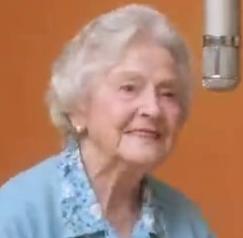
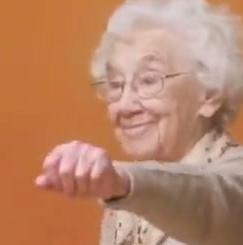
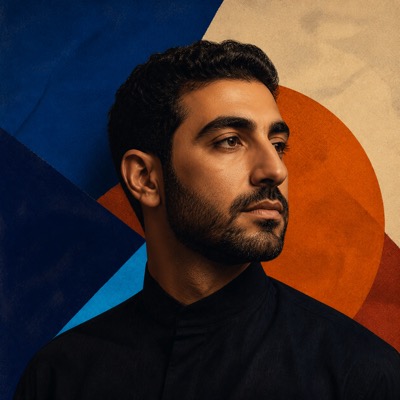
Upload a recording you made or choose a supplied reference. Select a section with a clear start and finish so the visual has a natural entrance.
Upload two portraits or choose two people in a group photo. Assign the roles, add movement and background notes, and keep the visual close to the delivery.
Review the preview, make another take when the direction needs work, then trim or combine the finished scenes and export the MP4.
Choose which performer opens the frame and which one supports the moment. Keep the visual hierarchy clear as the recording moves into the main bar.
Pick a hook, verse, or spoken entrance that starts cleanly and lands on a complete thought for a stronger first cut.
Add notes for posture, gestures, wardrobe, props, and the space around the performers. The reference sets rhythm; your brief sets attitude.
Save setups that work before changing roles or scenes. Compare another take against the original and continue from the direction that feels right.
Give an unreleased chorus an official video look before full-scale filming begins.
Turn a raw voice memo or bedroom freestyle into a dynamic, stage-ready visual showcase.
Record a custom bar for a friend and let an AI rapper persona deliver it with maximum swagger.
Intersperse AI performance takes alongside real b-roll in your editing timeline for full music video productions.
A standard 720p, 12-second Migos AI video costs 10 credits. Choose a one-time pack or a subscription, and see the credit cost before generating.
200 credits · ≈ 20 videos
≈ $2.95 / video
One-time payment
Pay · GPay · Card · No password
10 credits · 5-6s Viral Hook
≈ $3.99 / video
Limited time drop (70% OFF)
Pay · GPay · Card · No password
10 credits · ≈ 1 video
≈ $9.99 / video
One-time payment
Pay · GPay · Card · No password
50 credits · ≈ 5 videos
≈ $5.80 / video
One-time payment
Pay · GPay · Card · No password
500 credits · ≈ 50 videos
≈ $1.98 / video
One-time payment
Pay · GPay · Card · No password
2,000 credits · ≈ 200 videos
≈ $1.00 / video
One-time payment
Pay · GPay · Card · No password
Video counts and per-video prices are based on Standard · 720p · 12s (10 credits).
Secure checkout by StripePacks never expireSubscriptions renew until canceled
Credits per 12-second video. Length scales the price, rounded up to a whole credit. All formats cost the same.
| Model | 480p | 720p | 1080p |
|---|---|---|---|
| StandardSeedance 2.0 Mini | 5 credits | 10 credits | — |
| FastSeedance 2.0 Fast | 8 credits | 17 credits | — |
| ProSeedance 2.0 | 10 credits | 20 credits | 50 credits |
| UltraSeedance 2.5 | 17 credits | 37 credits | 93 credits |
Add your photos and watch your first preview free. Unlock the full video when you're ready to share it.