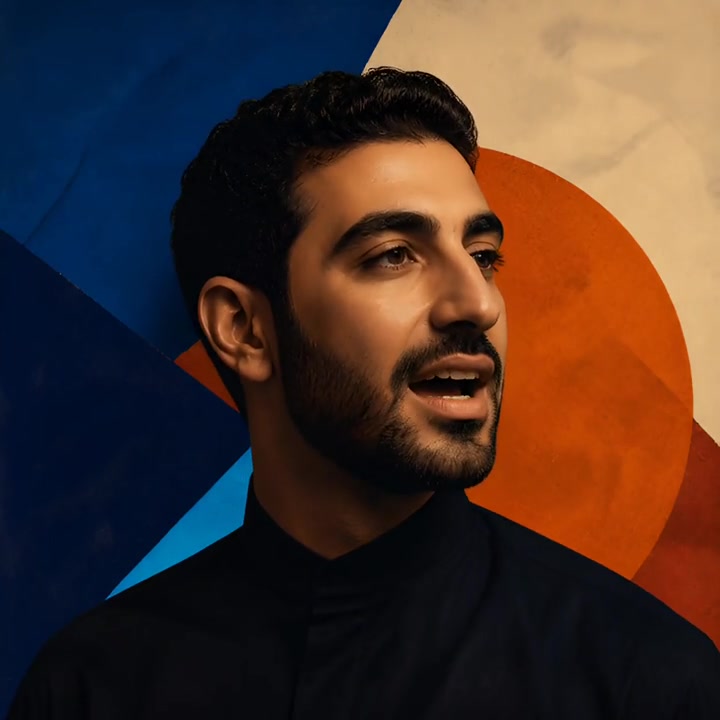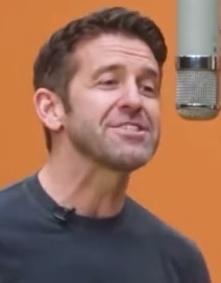
Silicon Valley Rap Cypher
Migos AI Studio
Turn two portraits or a group photo into a viral rap duet with Migos AI Video. Use the orange studio template or your own music or reference video. Preview your first video free.
Reference Example by Migos AI Duo
Migos AI Video turns photos into rap videos inspired by Quavo and Takeoff’s “Hotel Lobby” performance on A COLORS SHOW, known for its orange studio. Related videos also appear under the names Hotel Lobby AI and AI rap duo.
See how source photos become Migos AI duets, or explore a performance driven by custom audio.
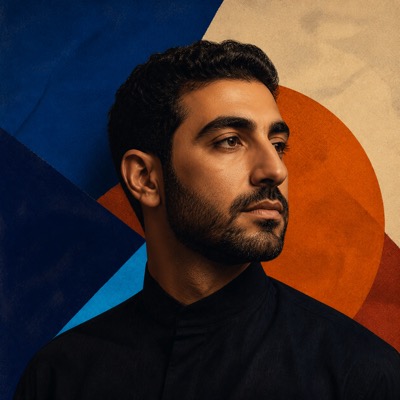
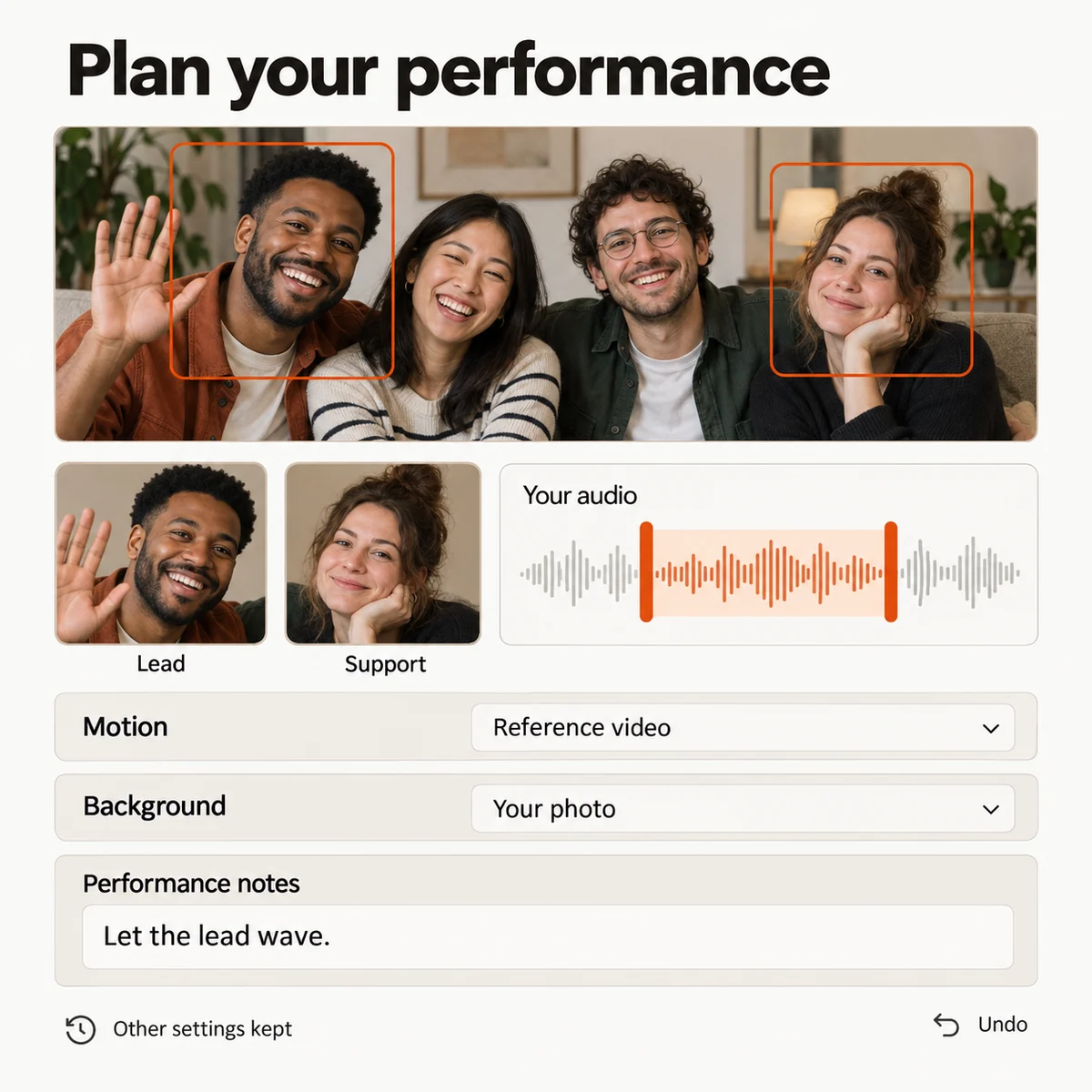
Upload two portraits or a group photo to Migos AI Video. Use the built-in template, or add your own reference video or audio.
Create your free preview
Choose the two performers and their roles for your Migos AI video. Keep the default settings or customize them, then watch your first preview for free.
Like your preview? Unlock the full HD video without a watermark. Trim or combine clips, adjust the audio, and download your MP4.
Migos AI Video runs in your phone or desktop browser. Generation happens in the cloud, with no software to install.
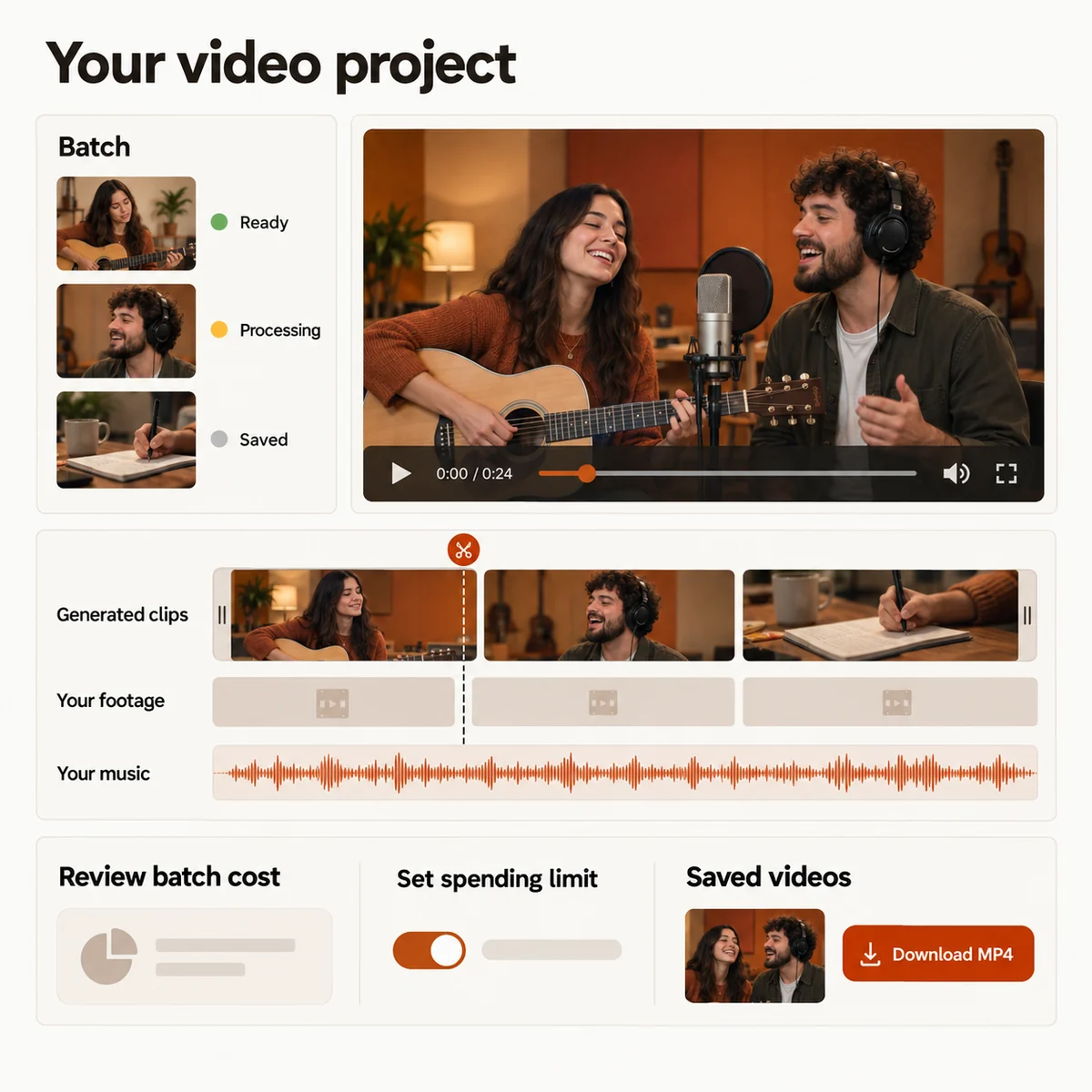
Combine Migos AI clips with your own footage. Get an automatic first cut, then adjust the clip order, trim footage, add music, and choose color presets and transitions.
Trim or mute a finished clip without generating it again.
In Migos AI Video, cast yourself and a friend or partner in a rap duet. Share your version of the trend with friends or on social media.
Make the person in your photo sing or speak using your song or voice recording. Choose an audio section in Migos AI Video and create a short performance to share.
Animate photos from different years with Migos AI Video, then bring them together with music. Make a birthday gift for a friend or family member.
Combine your own footage with scenes from Migos AI Video and your music. Arrange and trim the clips into a complete music video to publish or share.
A standard 720p, 12-second Migos AI video costs 10 credits. Choose a one-time pack or a subscription, and see the credit cost before generating.
200 credits · ≈ 20 videos
≈ $2.95 / video
One-time payment
Pay · GPay · Card · No password
10 credits · 5-6s Viral Hook
≈ $3.99 / video
Limited time drop (70% OFF)
Pay · GPay · Card · No password
10 credits · ≈ 1 video
≈ $9.99 / video
One-time payment
Pay · GPay · Card · No password
50 credits · ≈ 5 videos
≈ $5.80 / video
One-time payment
Pay · GPay · Card · No password
500 credits · ≈ 50 videos
≈ $1.98 / video
One-time payment
Pay · GPay · Card · No password
2,000 credits · ≈ 200 videos
≈ $1.00 / video
One-time payment
Pay · GPay · Card · No password
Video counts and per-video prices are based on Standard · 720p · 12s (10 credits).
Secure checkout by StripePacks never expireSubscriptions renew until canceled
Credits per 12-second video. Length scales the price, rounded up to a whole credit. All formats cost the same.
| Model | 480p | 720p | 1080p |
|---|---|---|---|
| StandardSeedance 2.0 Mini | 5 credits | 10 credits | — |
| FastSeedance 2.0 Fast | 8 credits | 17 credits | — |
| ProSeedance 2.0 | 10 credits | 20 credits | 50 credits |
| UltraSeedance 2.5 | 17 credits | 37 credits | 93 credits |
The Migos AI video trend is a viral two-person performance format inspired by Quavo and Takeoff’s Hotel Lobby on A COLORS SHOW. Your two photos become the visual stars of an authentic trap stage with synchronized gestures and rhythm.
You can test uploading photos and stage presets right away. To render your final high-definition performance video, pick a one-time credit pack that fits your volume.
Clear, front-facing portraits with good lighting and unobstructed faces yield the crispest results. One single person in each photo slot is required.
A standard 720p, 12-second Migos AI video costs 10 credits. You can choose from one-time credit packs starting at $9.90 (10 credits) or flexible monthly and yearly subscriptions.
You have full flexibility: choose one-time credit packs where credits never expire and zero recurring charges exist, or pick a monthly/yearly subscription that you can cancel anytime.
Yes, every output renders in high-definition 9:16 vertical ratio with zero watermarks, pre-formatted and timed for TikTok sounds and Instagram Reels.
Add your photos and watch your first preview free. Unlock the full video when you're ready to share it.